TIS_Automator for TradingView
This indicator is available by subscription only. Subscribe on our TradingView page →Este indicador está disponible solo por suscripción. Suscribite desde nuestra página de TradingView →
Puente de ejecución para TradingView: convierte la señal de cualquier indicador en una orden completa lista para tu gateway. Sin código.
Execution bridge for TradingView: turns any indicator's signal into a complete order ready for your gateway. No code.
Descripción
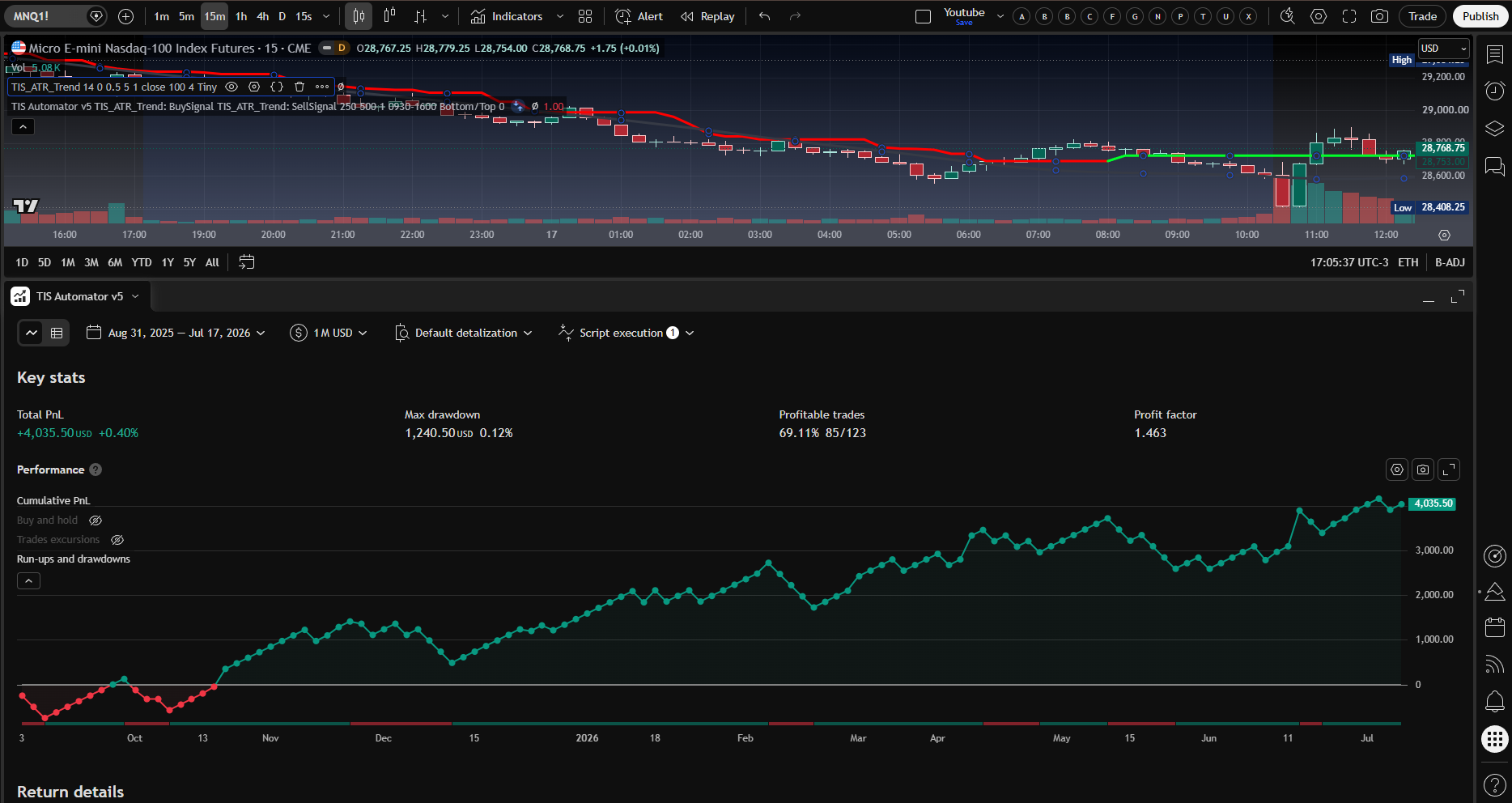
El TIS Automator es un puente de ejecución para TradingView: toma la señal de cualquier indicador —tuyo o de terceros— y la convierte en una alerta de estrategia estándar con la orden completa ya formada (entrada, target, stop y tamaño de posición). Esa alerta la puede ejecutar cualquier gateway compatible que la enrute a tu broker.
No es un indicador ni un motor de señales: es la capa que automatiza la señal final única de tu sistema. Sin escribir código.
Cómo funciona
Conectás la salida de tu indicador a las fuentes de señal del Automator. Cuando se dispara una señal, el Automator forma la orden y emite una alerta de estrategia estándar de TradingView. TIS arma la orden; el gateway la enruta a tu broker.
Indicador
↓
TIS Automator
↓
Alerta de estrategia
↓
Gateway
↓
Broker
Características principales
Fuente de señal universal
Funciona con los plots o señales de cualquier indicador. Elegís el plot de compra y el de venta desde un menú, sin tocar código.
Doble modo de lectura
Modo dual (dos plots distintos, ideal para osciladores tipo MACD/CCI, incluso con valores negativos o cero) o modo single-plot (un solo plot +1 / 0 / −1, estilo Markers): positivo compra, negativo vende.
Target y Stop en ticks
Definís las salidas en ticks, agnóstico al valor nominal del instrumento: la misma configuración escala entre contrato completo y micro.
Filtro horario anti-DST
Restringí las operaciones a tu ventana horaria. Usa el horario nativo de TradingView, así que no se corre con los cambios de horario de verano/invierno.
Alertas estándar de TradingView
Emite alertas de estrategia con la orden completa en formato JSON (entrada, salida, target, stop, ticker, contratos), compatible con cualquier gateway que las soporte.
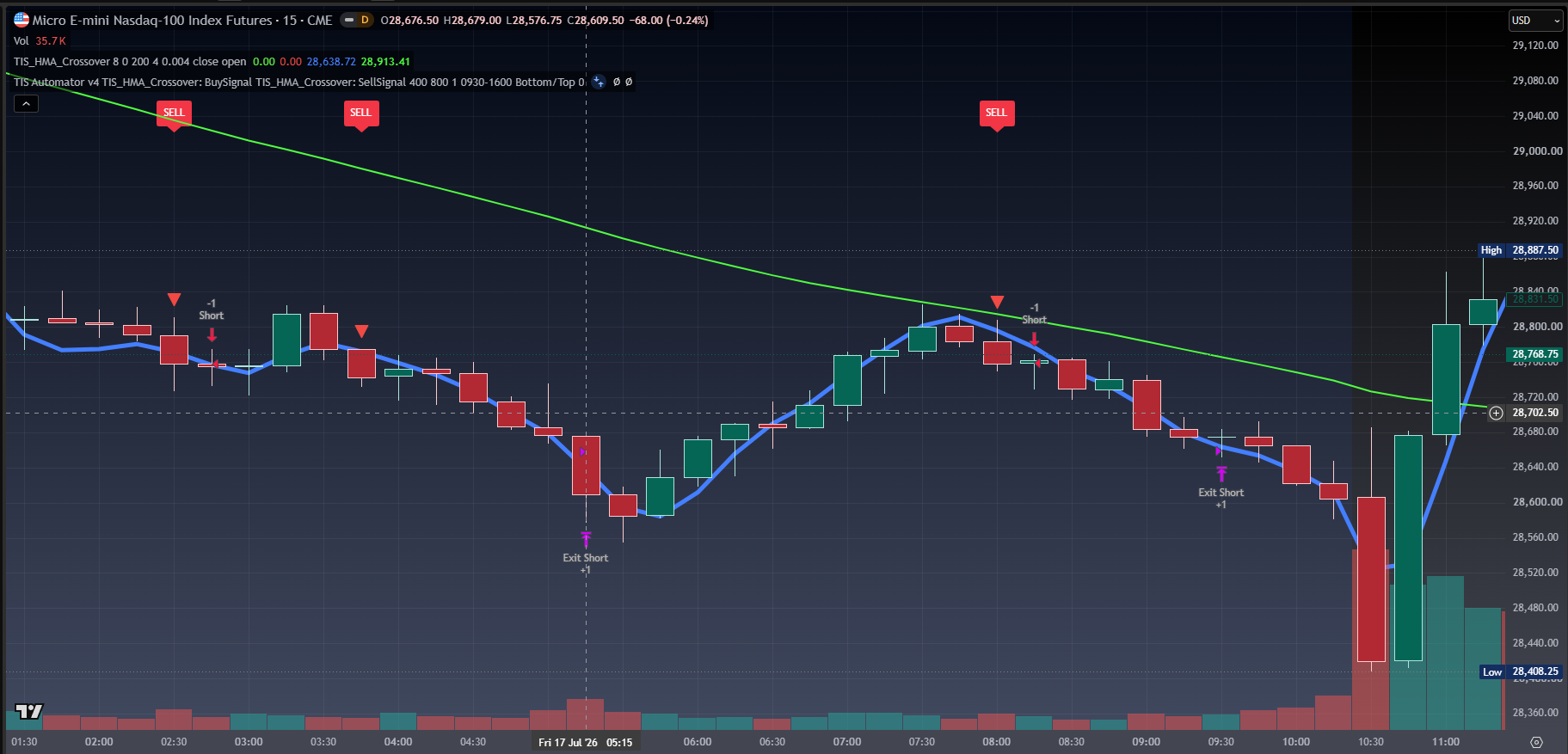
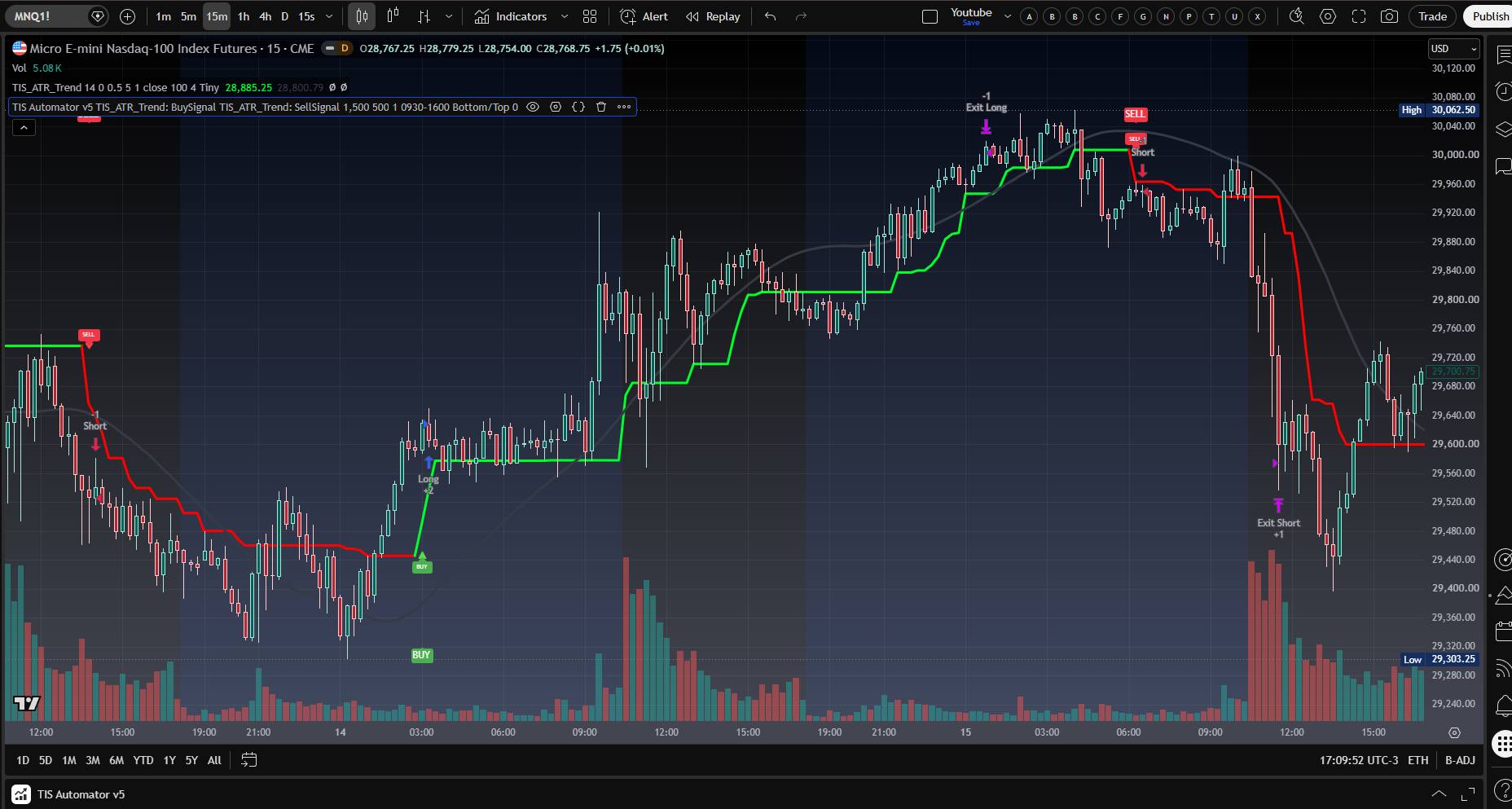
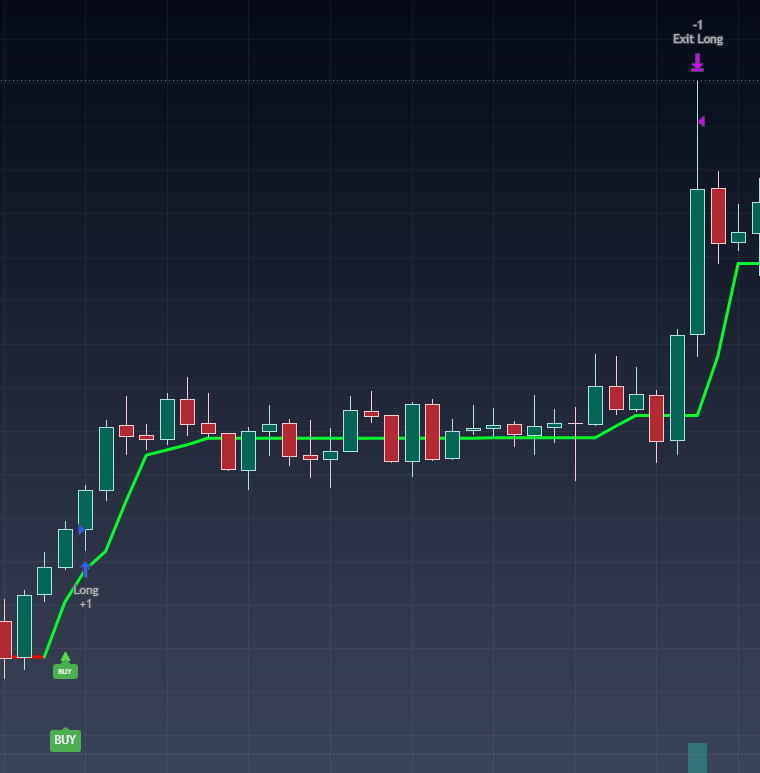
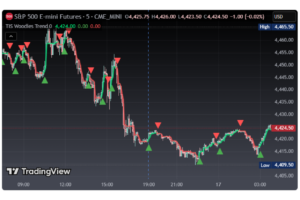
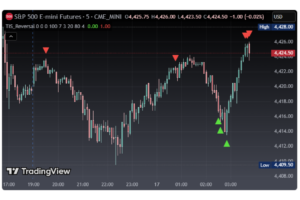
Etiquetas visuales BUY / SELL
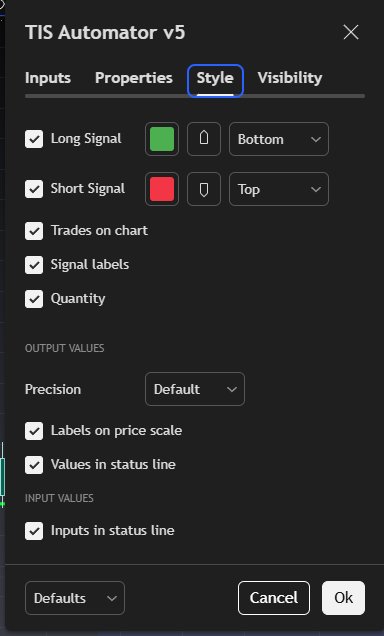
Muestra las señales sobre el chart. Modo de posición ajustable para que las etiquetas se lean bien tanto con señales de precio como con osciladores.
Parámetros
| Parámetro | Qué controla |
|---|---|
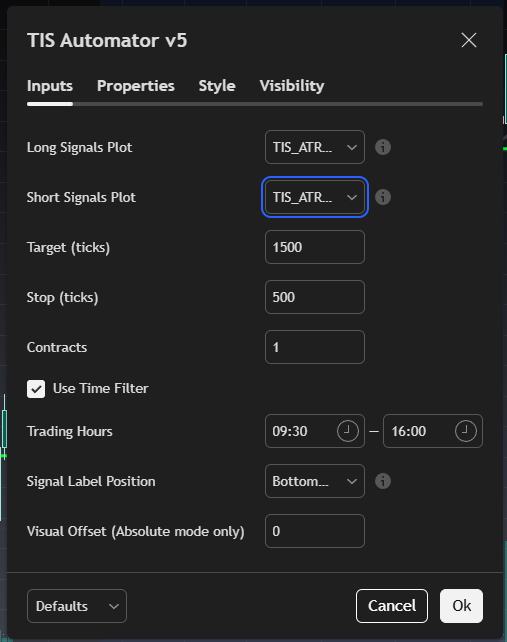
| Long / Short Signals Plot | El plot de compra y el de venta de tu indicador. Seleccioná el mismo en ambos para el modo single-plot +1/0/−1. |
| Target (ticks) | Distancia del objetivo de ganancia, en ticks. |
| Stop (ticks) | Distancia del stop de pérdida, en ticks. |
| Contracts | Cantidad de contratos por operación. |
| Use Time Filter / Trading Hours | Activa el filtro horario y define la ventana de operación (a prueba de DST). |
| Signal Label Position / Visual Offset | Posición de las etiquetas visuales BUY/SELL: abajo/arriba, o nivel de precio absoluto para osciladores. |
¿Para quién es?
Para el trader de futuros que ya tiene un indicador con señales claras de compra/venta y quiere automatizar su ejecución en TradingView sin programar. Ideal para señales single-plot estilo Markers y para osciladores. Pensado para futuros (MNQ, MES, NQ, ES).
Cómo suscribirte
El Automator se ofrece por suscripción (alquiler), cancelás cuando quieras. Elegí tu plan y activá tu prueba gratuita de 7 días desde la página del Automator.
Nota técnica: el Automator solo genera alertas dentro de TradingView; no ejecuta operaciones ni se conecta directamente a ningún broker. El target y el stop se calculan dentro del simulador de estrategia de TradingView; el broker recibe únicamente las órdenes de entrada y salida a mercado a través de tu gateway. Requiere una cuenta de TradingView compatible con alertas y un gateway de ejecución. El trading conlleva riesgo; el rendimiento pasado no garantiza resultados futuros.
The TIS Automator is an execution bridge for TradingView: it takes the signal from any indicator —yours or third-party— and turns it into a standard strategy alert with the full order already built (entry, target, stop and position size). Any compatible gateway can execute that alert and route it to your broker.
It is not an indicator or a signal engine: it is the layer that automates your system’s single final signal. No coding required.
How it works
You connect your indicator’s output to the Automator’s signal sources. When a signal fires, the Automator builds the order and emits a standard TradingView strategy alert. TIS forms the order; the gateway routes it to your broker.
Indicator
↓
TIS Automator
↓
Strategy alert
↓
Gateway
↓
Broker
Key features
Universal signal source
Works with the plots or signals of any indicator. You pick the buy plot and the sell plot from a dropdown — no code.
Dual reading mode
Dual mode (two separate plots, ideal for MACD/CCI-style oscillators, even with negative or zero values) or single-plot mode (one plot +1 / 0 / −1, Markers style): positive buys, negative sells.
Target & Stop in ticks
Define exits in ticks, agnostic to the instrument’s nominal value: the same setup scales between full-size and micro contracts.
DST-proof time filter
Restrict trades to your session window. It uses TradingView’s native session handling, so it doesn’t drift with daylight-saving changes.
Standard TradingView alerts
Emits strategy alerts carrying the full order as JSON (entry, exit, target, stop, ticker, contracts), compatible with any gateway that supports them.
BUY / SELL visual labels
Plots the signals on your chart. Adjustable label position so they read well with both price-based signals and oscillators.
Parameters
| Parameter | What it controls |
|---|---|
| Long / Short Signals Plot | Your indicator’s buy plot and sell plot. Select the same one in both for single-plot +1/0/−1 mode. |
| Target (ticks) | Take-profit distance, in ticks. |
| Stop (ticks) | Stop-loss distance, in ticks. |
| Contracts | Number of contracts per trade. |
| Use Time Filter / Trading Hours | Enables the time filter and defines the trading window (DST-proof). |
| Signal Label Position / Visual Offset | Position of the BUY/SELL visual labels: bottom/top, or absolute price level for oscillators. |
Who is it for?
For the futures trader who already has an indicator with clear buy/sell signals and wants to automate execution on TradingView without programming. Ideal for Markers-style single-plot signals and for oscillators. Built for futures (MNQ, MES, NQ, ES).
How to subscribe
The Automator is offered on a subscription (rental) basis — cancel anytime. Choose your plan and start your 7-day free trial from the Automator page.
Technical note: the Automator only generates alerts inside TradingView; it does not execute trades or connect directly to any broker. Target and stop are computed inside TradingView’s strategy simulator; the broker receives only the market entry and exit orders through your gateway. Requires a TradingView account that supports alerts and an execution gateway. Trading involves risk; past performance does not guarantee future results.
Solo los clientes que hayan comprado este producto pueden dejar una opinión.
Opiniones
Aún no hay opiniones.