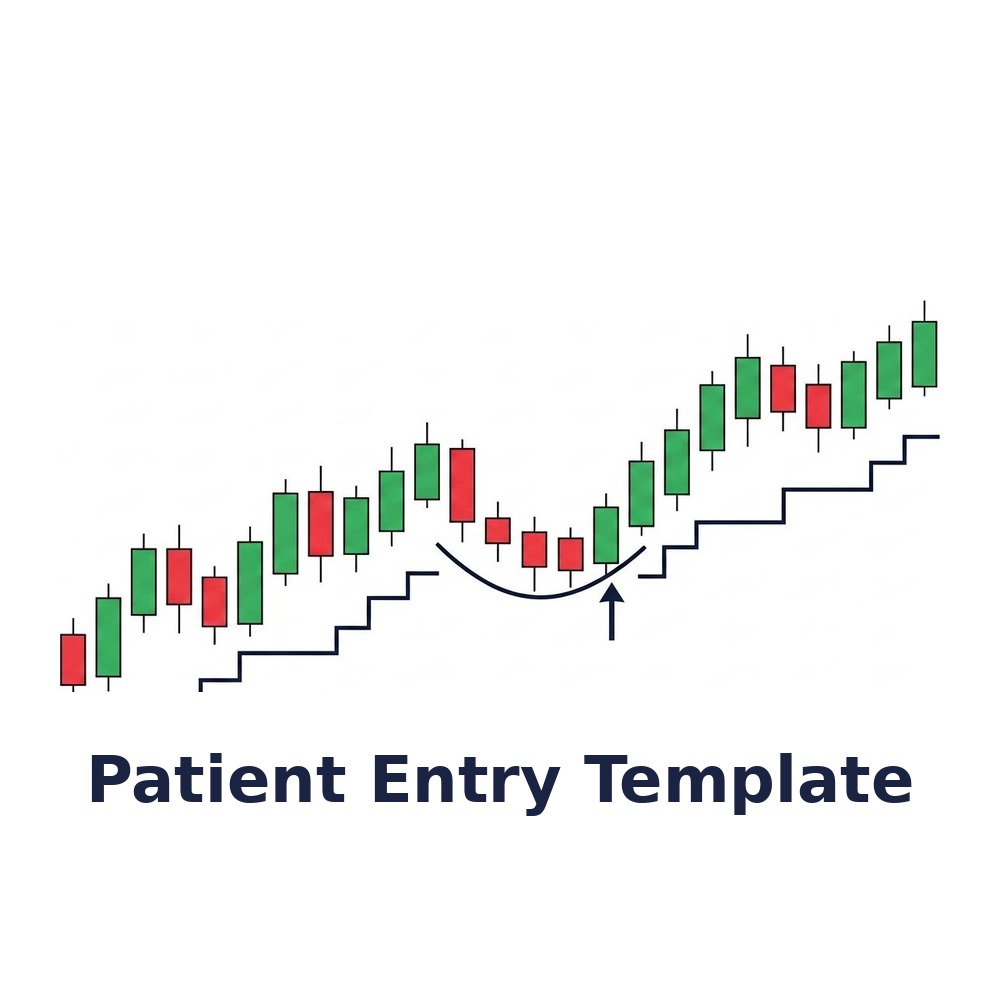
Patient Entry Template
Original price was: $150.00.$120.00Current price is: $120.00.
Ejecuta las señales de SuperTrend filtradas por el estado de tendencia de EMA_Trader: compras sólo cuando busca compra, ventas sólo cuando busca venta, nada en neutro. Solamente el template — requiere los dos indicadores y Markers.
Runs SuperTrend signals through the EMA_Trader trend state: longs only when it's looking for a pullback long, shorts only when it's looking short, nothing when it's neutral. Template only — requires both indicators and Markers.
Description
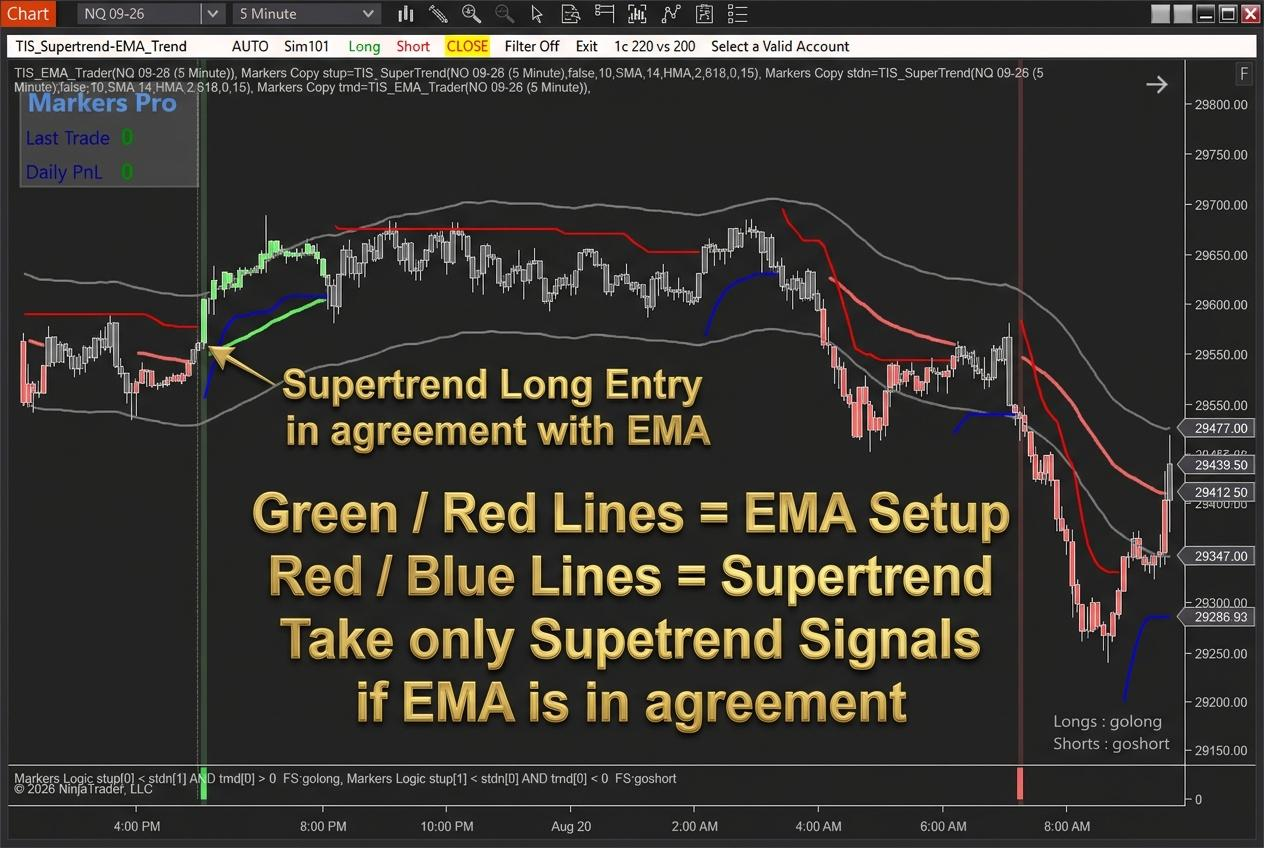
Supertrend da una señal cada vez que el mercado se mueve un poco. En lateral se da vuelta una y otra vez, y cada vuelta parece una entrada válida. Este template se queda solamente con las que coinciden con el estado de tendencia del EMA, y se queda afuera cuando no hay tendencia que acompañe.
Cómo funciona el setup:
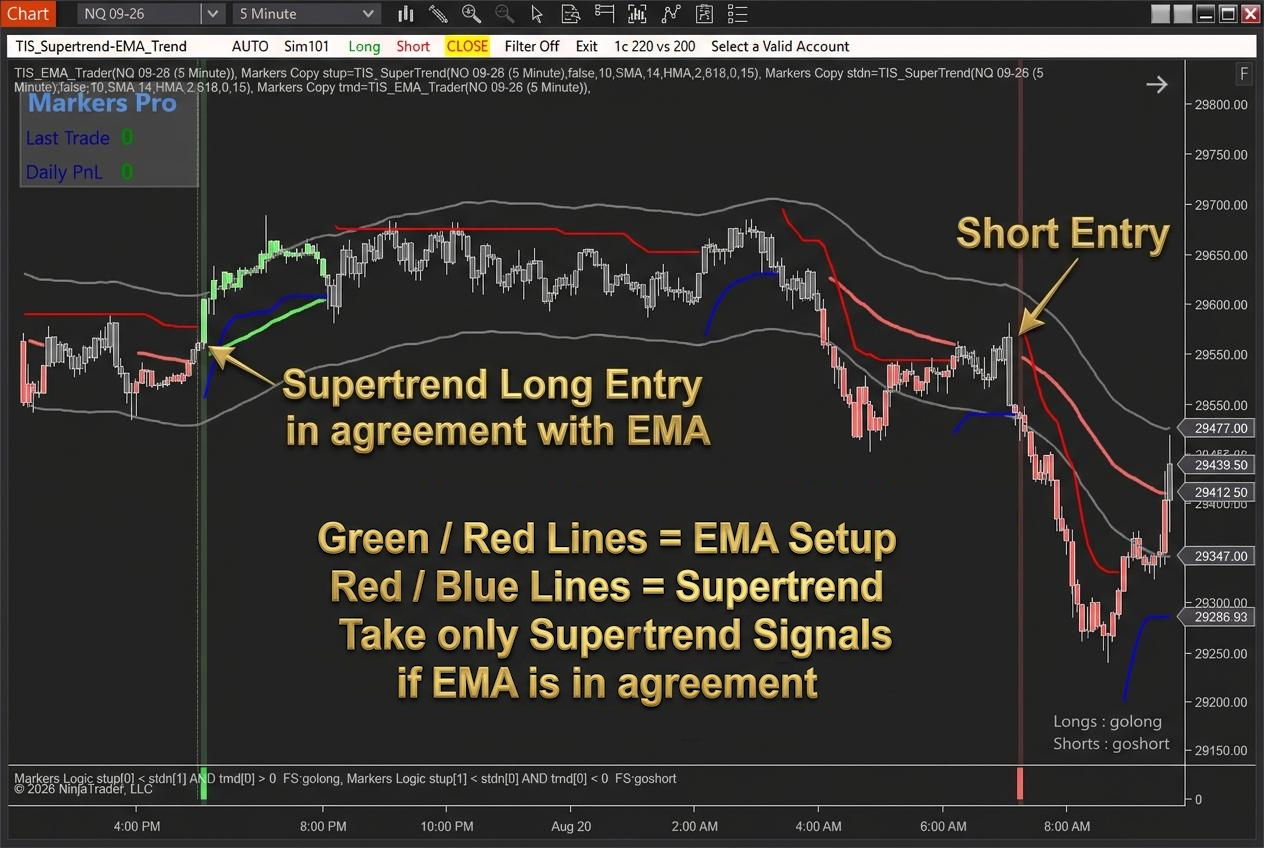
— TIS_EMA_Trader define el contexto. Mide cuánto se alejó el precio de su EMA y devuelve uno de tres estados: busca compra en la EMA, busca venta en la EMA, o neutro. Neutro significa que el precio nunca se separó lo suficiente de la EMA como para que un regreso signifique algo.
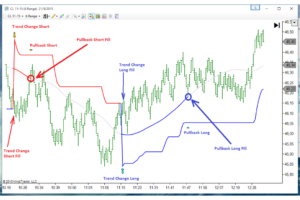
— TIS_Supertrend marca las entradas: línea azul debajo del precio cuando la tendencia se da vuelta hacia arriba, línea roja arriba cuando se da vuelta hacia abajo.
— El template ejecuta esas vueltas a través del filtro de Markers: compras sólo mientras EMA_Trader esté buscando compra, ventas sólo mientras esté buscando venta. Toda señal de Supertrend que aparezca en estado neutro se descarta.
— TIS_Supertrend marca las entradas: línea azul debajo del precio cuando la tendencia se da vuelta hacia arriba, línea roja arriba cuando se da vuelta hacia abajo.
— El template ejecuta esas vueltas a través del filtro de Markers: compras sólo mientras EMA_Trader esté buscando compra, ventas sólo mientras esté buscando venta. Toda señal de Supertrend que aparezca en estado neutro se descarta.
De ahí el nombre. La entrada espera que se alineen dos cosas: el precio de vuelta en la EMA después de haberse alejado de verdad, y un giro de Supertrend en la misma dirección. Los dos indicadores conservan además su comportamiento individual.
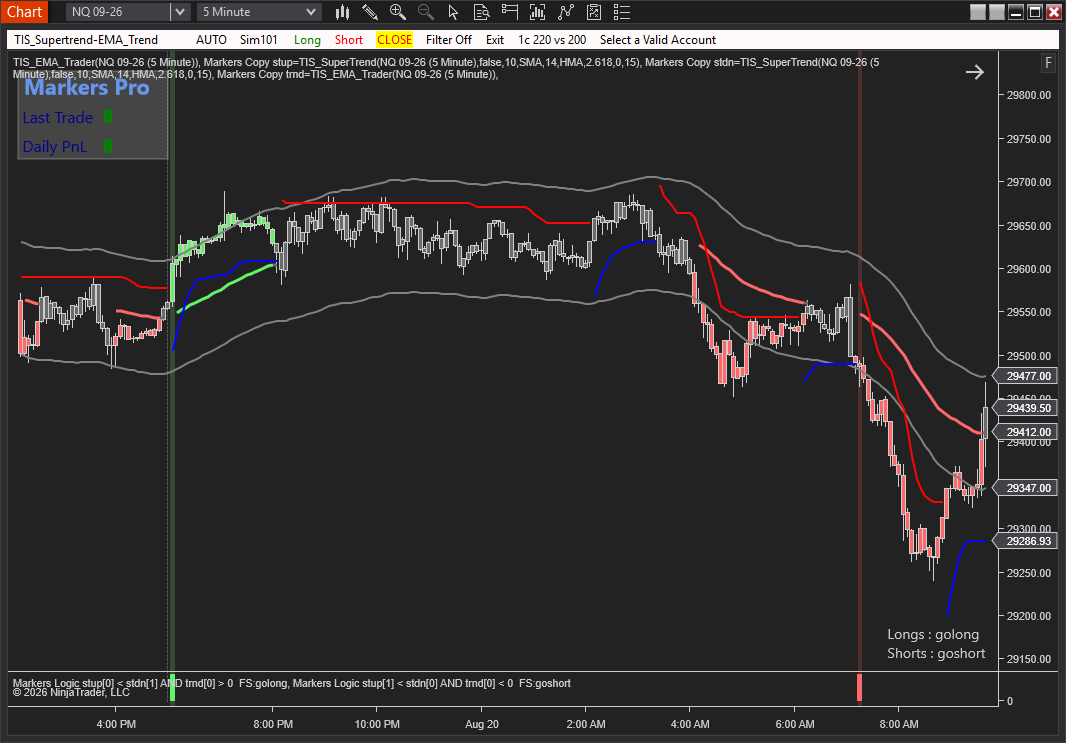
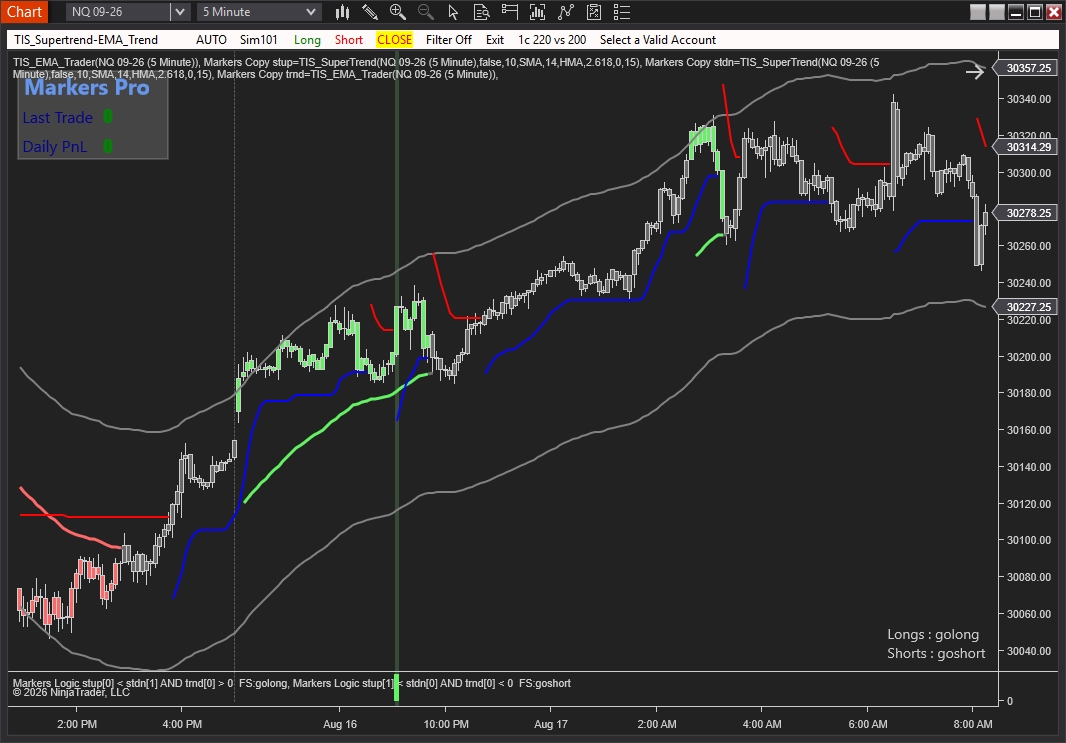
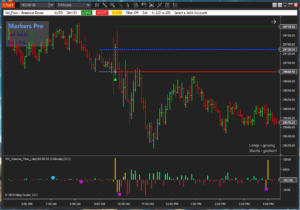
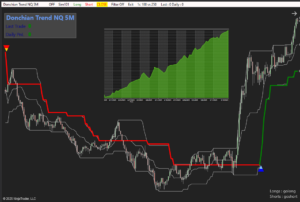
Ver el setup en el gráfico
Este producto es solamente el template
Necesita los dos indicadores instalados y con licencia activa. ¿Te falta alguno? Llevalo junto con el template y ahorrá.
Todas las opciones de abajo tienen 20% de descuento hasta el sábado a medianoche (hora del Este).
Markers es necesario para la automatización
El filtro de Markers es lo que ejecuta las señales y aplica la condición del estado del EMA. No está incluido en los precios de arriba. Funciona tanto con Markers Plus como con Markers Pro, y el template está preparado para cualquiera de los dos.
Qué incluye:
— Workspace de NinjaTrader 8 listo para importar
— Los dos indicadores calibrados y sincronizados
— Filtro de Markers conectado al estado de tendencia del EMA
— Esquema de colores unificado, distribución de paneles y escalas resueltas
— Los dos indicadores calibrados y sincronizados
— Filtro de Markers conectado al estado de tendencia del EMA
— Esquema de colores unificado, distribución de paneles y escalas resueltas
Compatible con NinjaTrader 8. Importación en un paso desde Tools > Import > NinjaScript Add-On.
Supertrend fires a signal every time the market twitches. In a range it flips again and again, and every flip looks like a valid entry. This template keeps only the ones that agree with the EMA trend state, and stands aside when there is no trend behind them.
How the setup works:
— TIS_EMA_Trader defines the context. It measures how far price has travelled from its EMA and reports one of three states: looking for a long at the EMA, looking for a short at the EMA, or neutral. Neutral means price never separated enough from the EMA for a return to mean anything.
— TIS_Supertrend marks the entries: a blue line under price when the trend flips up, a red line above it when it flips down.
— The template executes those flips through the Markers filter: longs only while EMA_Trader is looking for a long, shorts only while it is looking for a short. Any Supertrend signal printed in the neutral state is skipped.
— TIS_Supertrend marks the entries: a blue line under price when the trend flips up, a red line above it when it flips down.
— The template executes those flips through the Markers filter: longs only while EMA_Trader is looking for a long, shorts only while it is looking for a short. Any Supertrend signal printed in the neutral state is skipped.
That is where the name comes from. The entry waits for two things to line up: price back at the EMA after a real move away from it, and a Supertrend flip in the same direction. Both indicators also keep their standalone behavior.
See the setup on the chart
This product is the template only
It needs both indicators installed with an active license. Missing one? Get it together with the template and save.
Every option below is 20% off through Saturday at midnight ET.
Markers is required for automation
The Markers filter is what executes the signals and applies the EMA state condition. It is not included in the prices above. Markers Plus or Markers Pro both work, and the template is built for either.
What’s included:
— NinjaTrader 8 workspace ready to import
— Both indicators calibrated and synchronized
— Markers filter wired to the EMA trend state
— Unified color scheme, panel layout and scaling solved
— Both indicators calibrated and synchronized
— Markers filter wired to the EMA trend state
— Unified color scheme, panel layout and scaling solved
Compatible with NinjaTrader 8. One-step import from Tools > Import > NinjaScript Add-On.
Solo los clientes que hayan comprado este producto pueden dejar una opinión.

Opiniones
Aún no hay opiniones.